v0.5.0 widens the surface area: monitoring tools talk to Resolvd directly, the customer/vendor/internal split that exists in real orgs now exists in the schema, and the admin area gets the layout it should have had from day one.
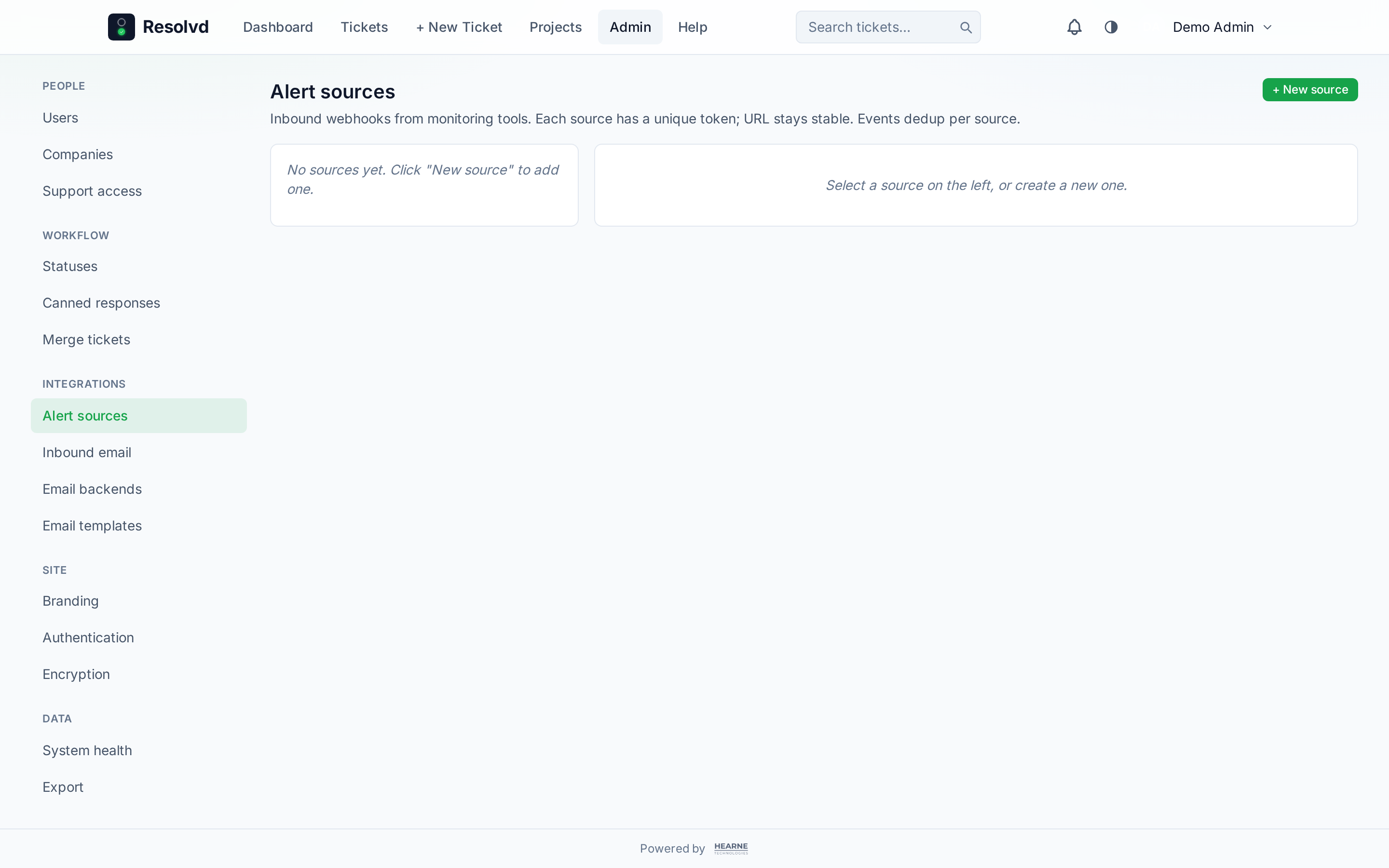
Zabbix alert sources
POST /api/webhooks/zabbix/<token> is the new front door for alert ingestion. Add a source under Admin → Integrations → Alert sources, copy the generated token (shown once), paste the bundled Zabbix media-type script into your monitoring side, and problems show up as Resolvd tickets. Recoveries close them — auto-resolve toggle controlled per source.
Severity → priority is a per-source JSONB map with sensible defaults and a “Reset to defaults” button. The dedup table (external_alert_event, UNIQUE on source + event_id + type) means Zabbix retries can’t duplicate-create. Tickets gain external_ref (e.g. zabbix:1041), external_source, and external_alert_source_id, plus two togglable list columns: Vendor ref and Alert ref — both with the NATO phonetic readback popover on hover.
If the Zabbix host carries INVENTORY.POC.PRIMARY.EMAIL, that email auto-attributes both submitted_by and assigned_to and adds the user as a follower. Unmatched emails leave an audit row so you can wire the contact later.
A Backfill button on the source detail page hits Zabbix’s problem.get → event.get → host.get (with selectInventory: poc_1_email), normalizes everything to synthetic webhook payloads, and runs them through the same ingest pipeline. Bearer auth is tried first, with a fallback to legacy auth for older Zabbix versions.
How to use: Admin → Integrations → Alert sources → New source → pick zabbix. Copy the token and the media-type snippet, paste both into Zabbix, save. Hit Backfill once if you want existing open problems to import.
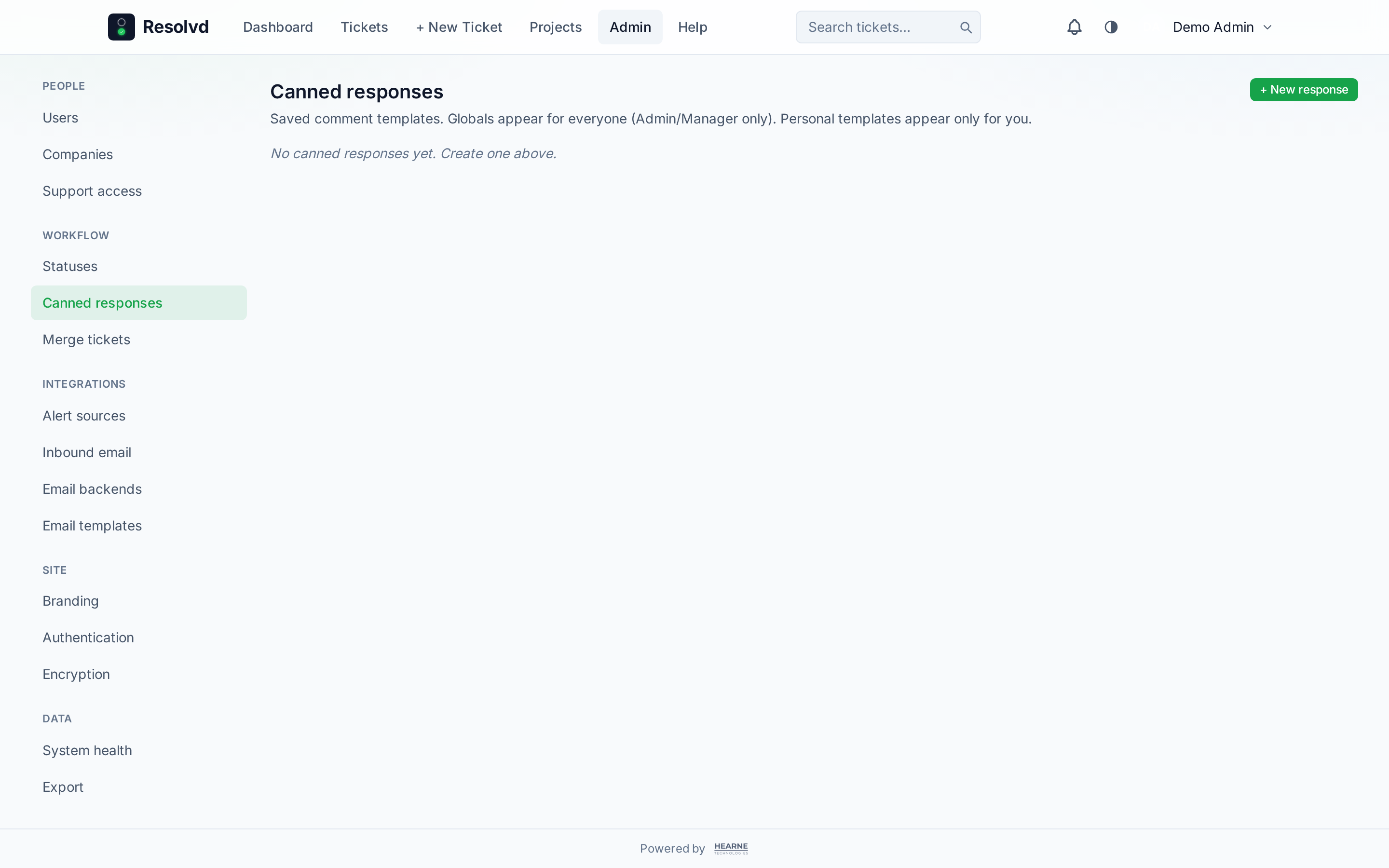
Canned responses with tag substitution
canned_responses (scope = global or user, optional category, body, project_ids[], use_count) backs a 📋 popover next to the ticket comment composer. Search filters live; results group by category; the picker only surfaces responses scoped to the current project (or globally unscoped).
Tag substitution runs server-side via services/cannedRender.js. Supported: {ticket.ref}, {ticket.title}, {ticket.priority}, {ticket.url}, {ticket.vendor_ref}, {submitter.firstName/name/email} (with {ticket.submitter} as alias), {assignee.*}, {actor.*}, {site.name}, {site.url}. Unknown tags pass through unchanged so a {not.a.tag} literal in the body never trips the renderer.
Insert increments use_count so the popover floats your most-used templates to the top within their category. Admins/Managers manage globals; everyone can author personal-only entries.
How to use: Admin → Workflow → Canned responses to manage. On any ticket, click 📋 next to the comment composer to insert.
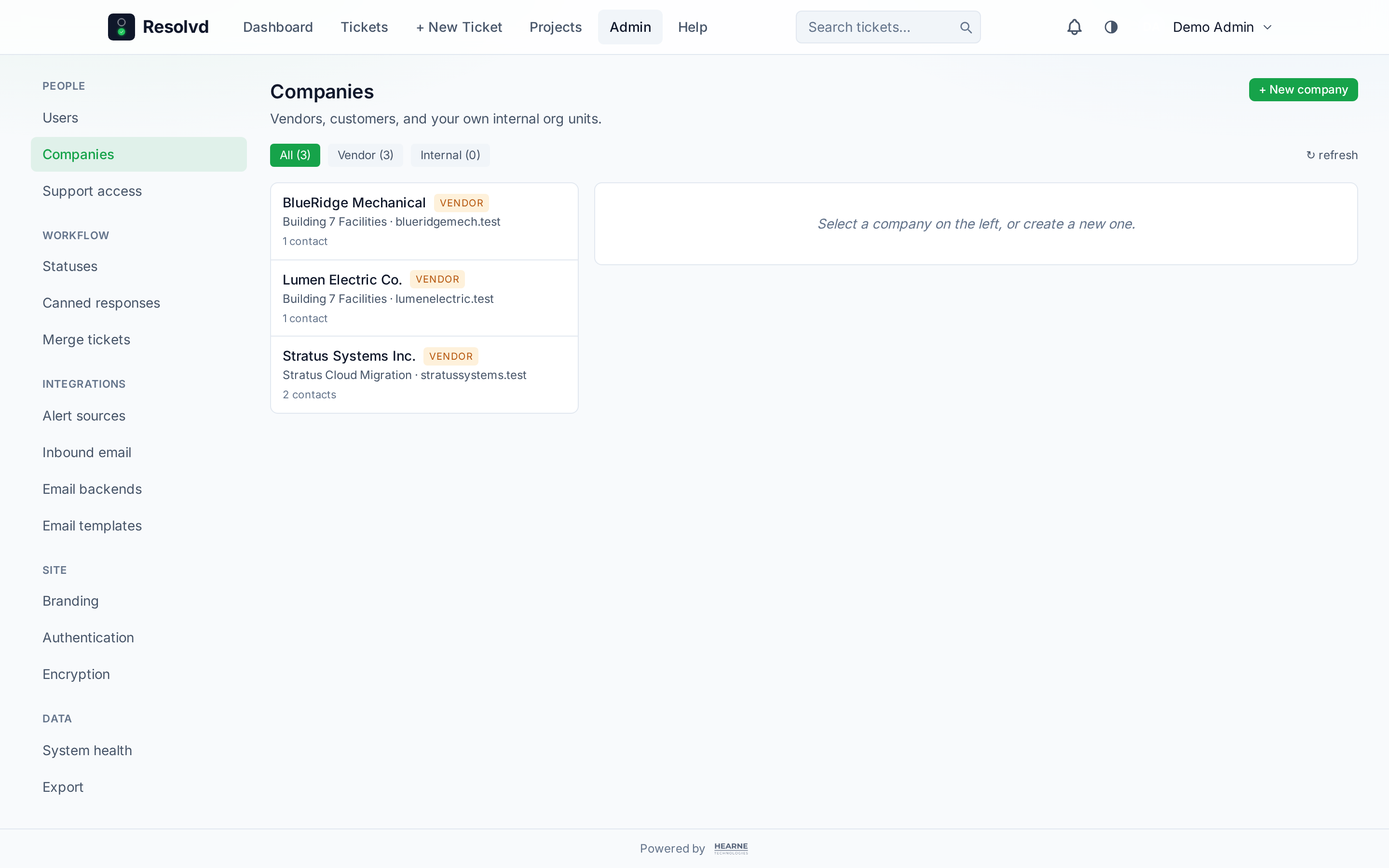
CRM rebuild — vendors, customers, internal
companies.kind is now vendor | customer | internal and project_id is nullable. Internal companies model your own org (or a customer’s org if you’re an MSP) and carry company_members linking users with optional location + role label. Customer companies connect to projects via the new company_projects join. Vendors keep the old project-scoped semantics.
A new locations table holds name, code, address, timezone, phone, use_extensions, is_primary, and a soft-archive flag. Contacts get location_id + extension; the contact-create UX pre-fills the phone number from the location when use_extensions=true.
companies.auto_add_domains TEXT[] on internal kind feeds services/companyAutoJoin.autoJoinInternalCompanies(userId), which fires on SSO first-login and invite-acceptance. Saving an updated domain list retroactively syncs existing matching active users — useful when you add a new acquired domain after onboarding.
Branding gets three feature toggles (Vendor, Customer, Internal) — Vendor + Internal default ON, Customer (MSP) default OFF — so single-tenant installs don’t see customer UI they don’t need.
How to use: Admin → Companies. Pick a kind on the create form; the detail tabs adjust (Vendor: Contacts/Locations/Notifications · Customer: Contacts/Locations/Projects · Internal: Members/Locations).
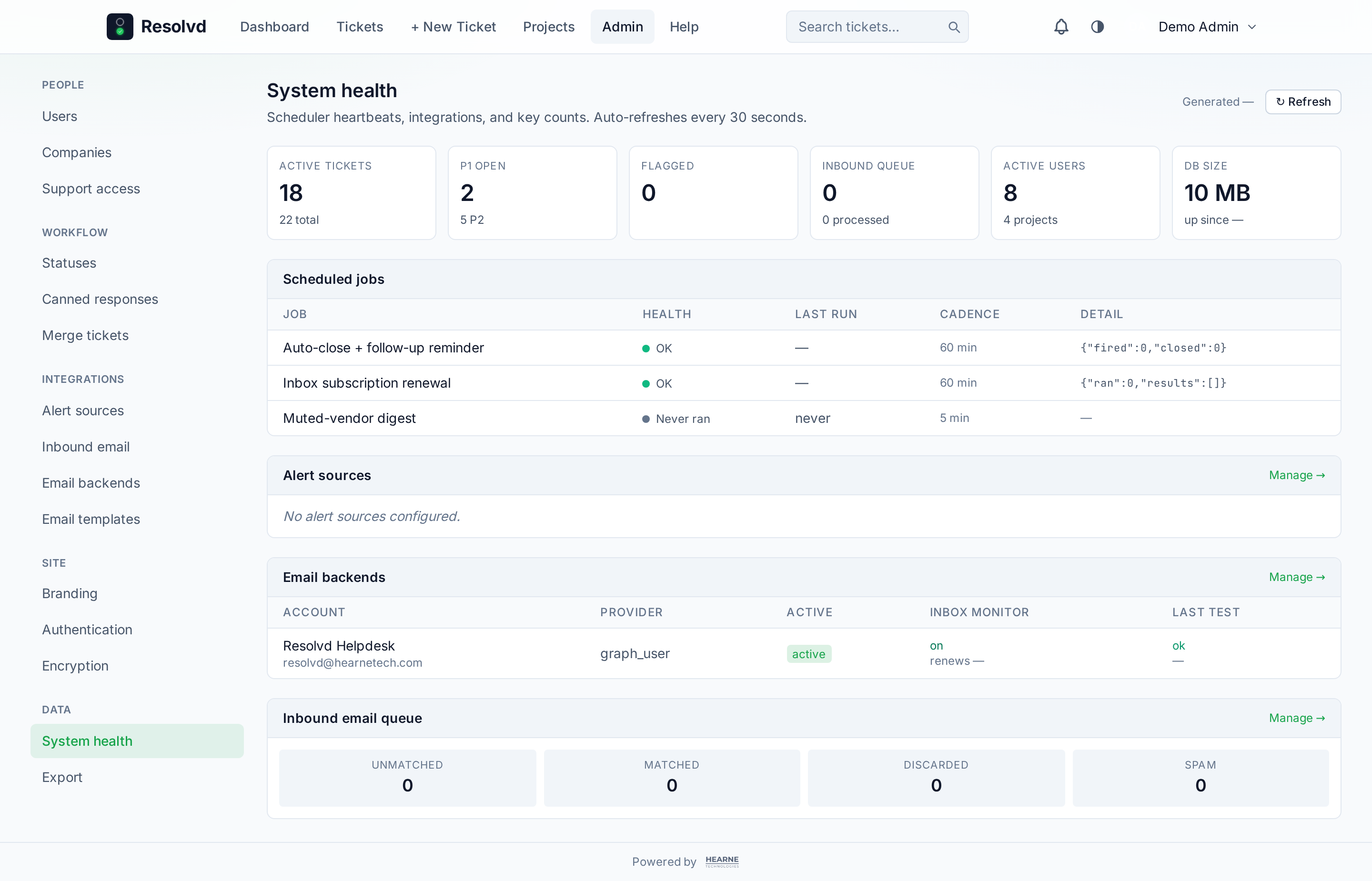
System health page
GET /api/system-health returns scheduler heartbeats, DB stats (size, uptime), ticket counters by status and priority, inbound queue counts, alert-source last-seen + event count, and email-backend statuses. The page auto-refreshes every 30 seconds and shows a per-job health dot — ok, stale (heartbeat older than 2× cadence), error, or never_ran.
The auto_close job was missing its heartbeat write — added in this release and registered in the job ledger alongside muted_digest and inbox_subscription_renewal.
How to use: Admin → Site → System health.
Left-rail admin + PageShell + column visibility
Layout sweep. <PageShell variant="wide|standard|narrow"> is the new width primitive — lists/dashboards opt into wide, ticket/project detail into standard, settings forms into narrow. The global max-w-7xl is gone from Layout.jsx so each page picks its own.
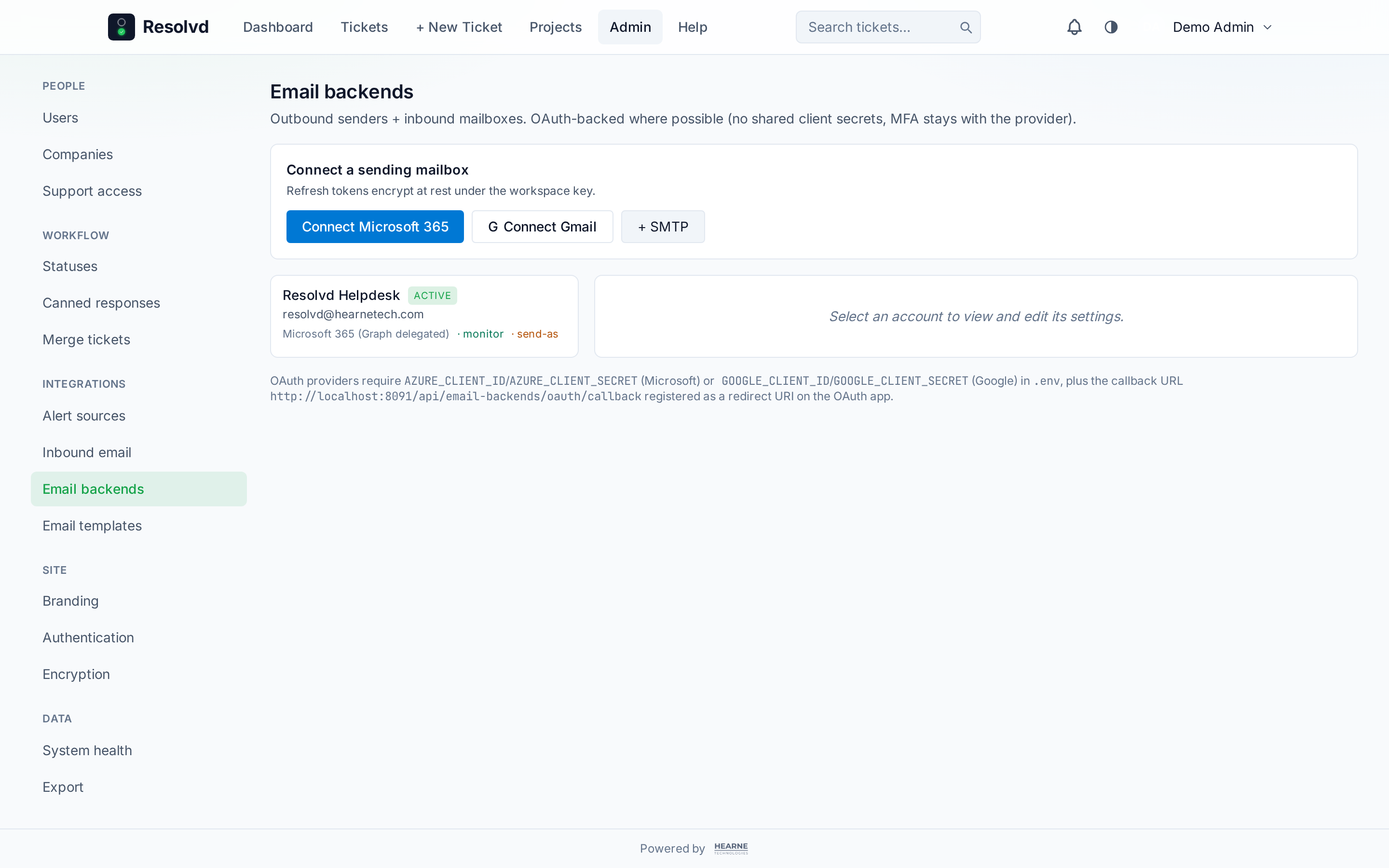
Admin is now a left-rail nav (sticky on desktop, hamburger drawer on mobile that auto-closes on route change), grouped into People · Workflow · Integrations · Site · Data. Manager sees a subset. Admin Email backends, Inbound, Companies, and Alert sources are master-detail — list left, selected-item right pane — replacing the nested-collapsible pattern that ran out of headroom around five children.
Column visibility ships as <ColumnPicker> + the useColumnPrefs(tableKey) hook, backed by users.preferences.hidden_columns. TicketList is the first consumer (Ref + Title always-on, the rest togglable). Same hook will roll out to the rest of the table-shaped pages over the next couple of releases.
How to use: Admin sidebar groups everything by area; on TicketList, click the column picker (top-right of the table) to hide what you don’t need.
Full changelog
v0.5.0 on GitHub has the complete commit list. This post covers the headline features; smaller wins (closing-salutation signature trim, saved-views project_id capture, dependency bumps) live in the changelog.